 RouteLocker 2
Make RouteLocker 2 feel right for you
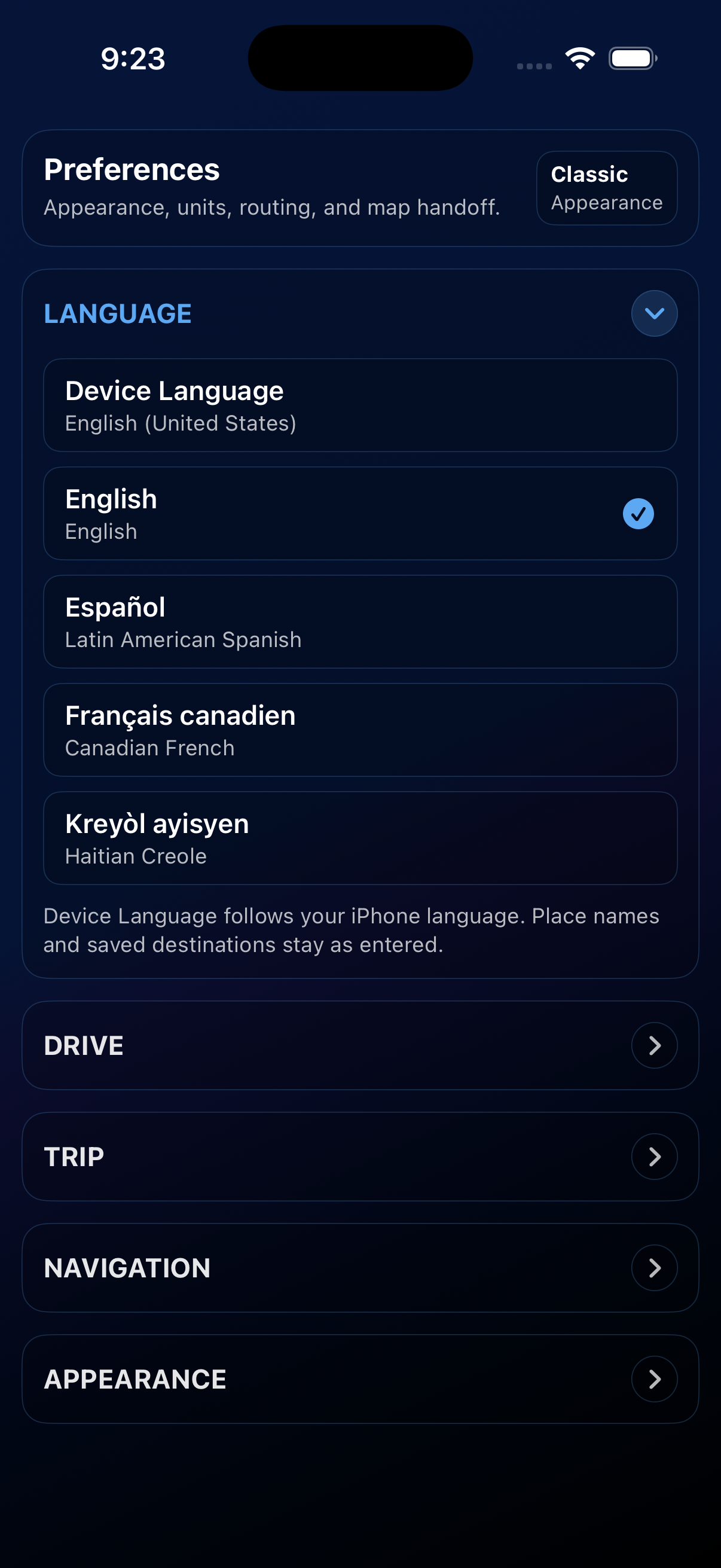
Every driver has a different setup. Preferences let you tune RouteLocker 2 to your car, your display needs, and the way you like to start and finish a trip.
Appearance and themes
Choose a theme that fits your dashboard, lighting, or vision needs. RouteLocker 2 includes several visual styles, including options designed for red-green and blue-yellow color blindness.
Units and time
- Imperial: miles, mph, °F.
- Metric: kilometers, kph, °C.
- 12-hour or 24-hour time format.
Speed gauge range
Set the maximum value of the dashboard speed gauge so the dial feels natural for your usual routes, from city streets to highway driving.
Navigation app
Pick where directions should open: Apple Maps, Google Maps, or Waze. Google Maps and Waze are available when they are installed on your device.
Trip behavior
- Auto-start on Navigate — start tracking automatically when you tap Navigate for a destination.
- Auto-stop at destination — end the trip when you enter the arrival radius.
- Default arrival radius — set the distance used for new destinations unless you override it.
Arrival alerts
- Choose built-in dings, chimes, gongs, or spoken voices.
- Use alerts with auto-stop to make arrivals feel more hands-off.
- Turn alerts off entirely.