 RouteLocker 2
Take your saved places with you
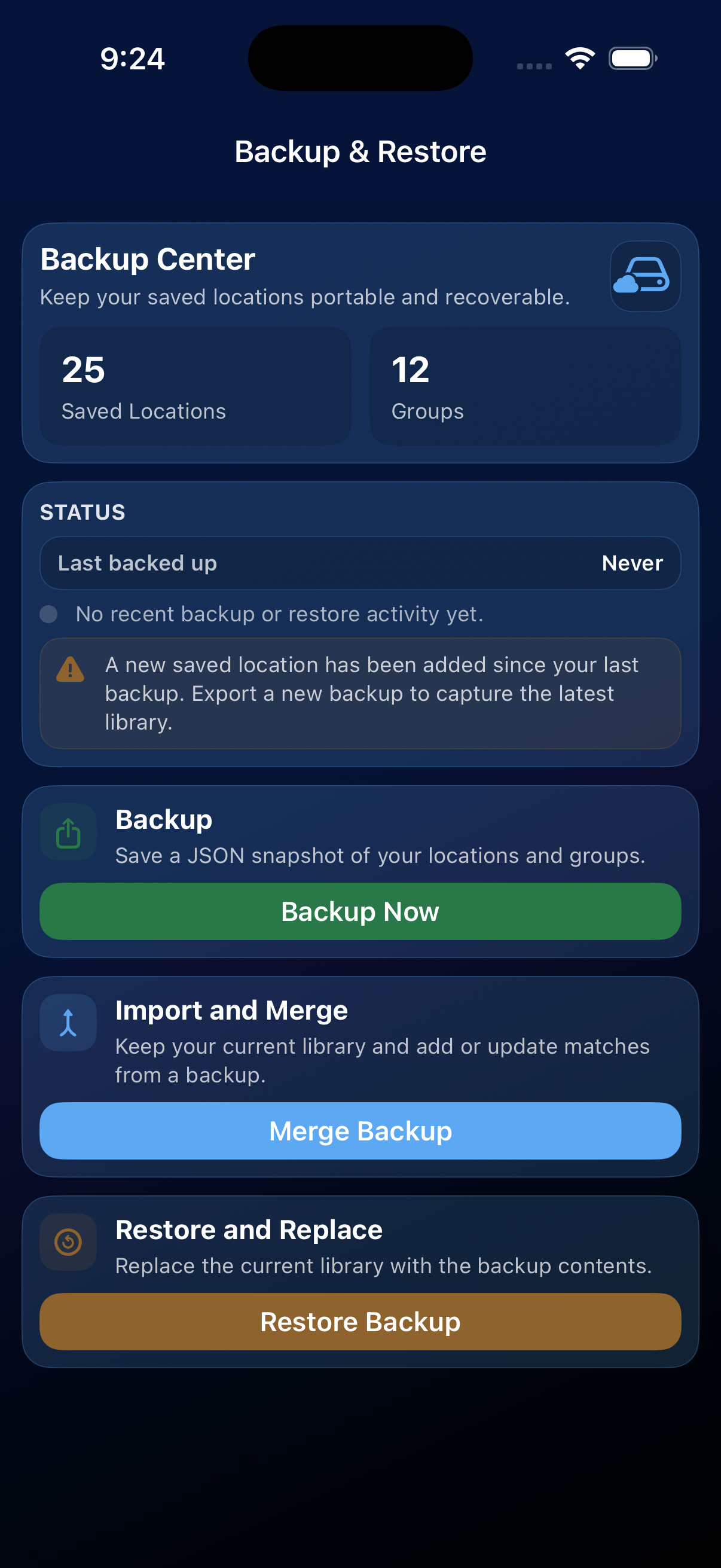
Your destination library should not be hard to rebuild. RouteLocker 2 stores saved places on your device, and Backup & Restore gives you a portable file you can keep, move, merge, or restore when needed.
What is backed up
- Saved destinations.
- Destination groups.
- Arrival radius and other destination settings.
Trip history and preferences are not included in the JSON backup file at this time.
Create a backup
- Open the Backup & Restore tab.
- Tap Export to generate a JSON backup.
- Save the file somewhere you trust, such as Files, iCloud Drive, or your preferred secure storage.
Restore or merge a backup
- Open the Backup & Restore tab.
- Tap Import and select your JSON backup.
- Choose the import style that matches what you want to do:
- Merge — add the backup locations to your current library.
- Replace — overwrite your current library with the backup. Use this only when you mean to replace everything.
Security tip: Treat a backup like any other personal file. Keep it somewhere you trust and share it only when you mean to.