 RouteLocker 2
Weather for where you are headed
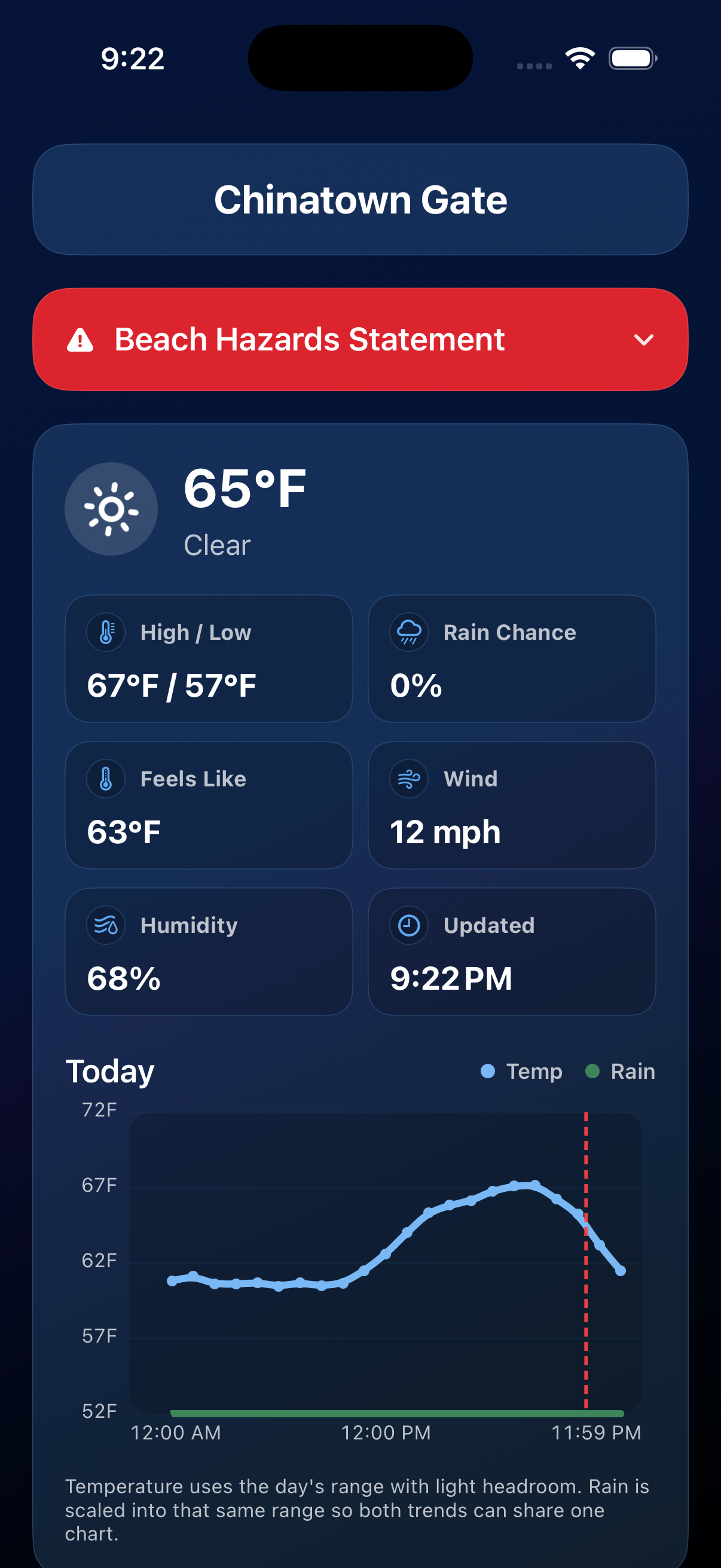
Weather is most useful when it matches the place you are driving to. Select a destination and RouteLocker 2 brings destination conditions to the dashboard; tap in for the details when the forecast matters.
What is included
- Current temperature and conditions.
- High/low, rain chance, feels-like temperature, wind, and humidity.
- An hourly temperature and precipitation trend chart.
- Expandable alerts when warnings affect your destination.
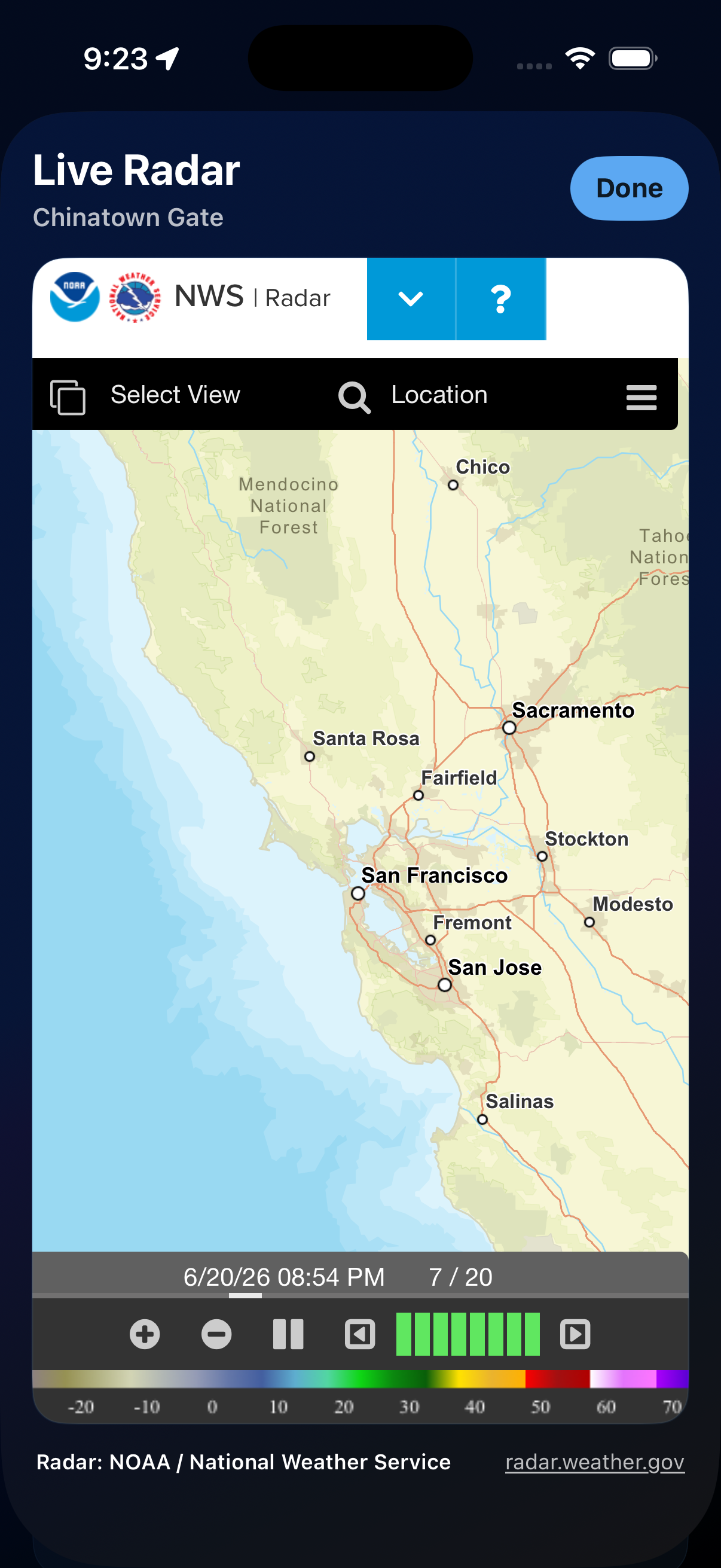
- Live NOAA/NWS radar when you tap into the radar view.
Weather fallback
If no destination is selected, the weather area stays out of the way until you choose one. If weather cannot be loaded, RouteLocker 2 shows an unavailable state until the data can be fetched again.
Live radar
The live radar view opens around your selected destination and shows NOAA / National Weather Service radar inside RouteLocker 2, so you can check nearby rain and storms without leaving the app.
Data sources
- Conditions, forecasts, and alerts are powered by Apple Weather.
- Live radar is provided by the NOAA / National Weather Service.